New Hope ChMS
Central + Affiliate Church Flow

How a central church onboards affiliates and receives automatic visibility from financial entries.

This walkthrough shows the operating model: central church setup, affiliate onboarding, and automatic headquarters reporting once donation, tithe, and offering fields are completed by each affiliate church.

Distribution Readiness

The app is ready for controlled distribution now (pilot and production onboarding) based on current web delivery, core module availability, and cloud deployment. Recommended final gate before broad rollout: a short acceptance pass for your central-affiliate workflow on production data.

Step-by-Step Walkthrough

The process below is intended to be simple for local churches: they only fill normal financial fields, and headquarters gets consolidated visibility automatically.

1

Central Church creates the network account

Headquarters signs in and sets up the master organization profile that will manage affiliate church oversight.

  • Register central church account.
  • Configure leadership, treasury, and reporting roles.
  • Enable centralized visibility policies.
2

Central Church adds affiliate churches

Headquarters onboards each affiliate and attaches it to the central network hierarchy for roll-up reporting.

  • Add each affiliate church record.
  • Assign local admin users per affiliate.
  • Confirm donation/tithe/offering input fields are active.
3

Affiliates continue normal weekly data entry

Each affiliate only enters regular financial data in its own environment: donations, tithes, and offerings.

  • No manual consolidation spreadsheets.
  • No extra reporting forms to headquarters.
  • No duplicate data entry required.
4

Headquarters gets automatic consolidated visibility

Once affiliate financial fields are filled out, central leadership sees the complete network picture automatically.

  • Central church sees what is happening across affiliates.
  • Roll-up totals and trends are available for leadership review.
  • Follow-up and governance happen from one place.

Screenshots

Latest web/app captures used in this walkthrough.

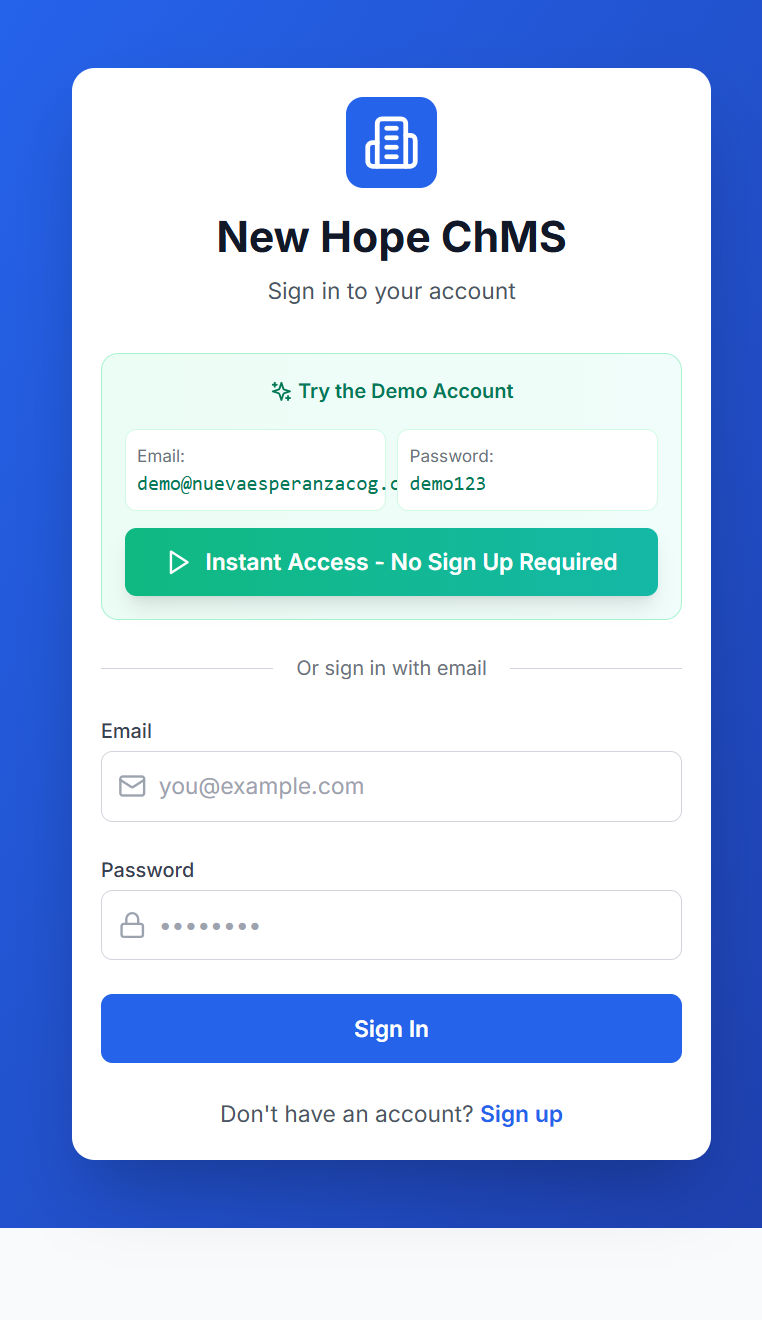
Central church onboarding login screenshot
Screenshot A: Central Church Sign-in Headquarters begins onboarding from secure login.
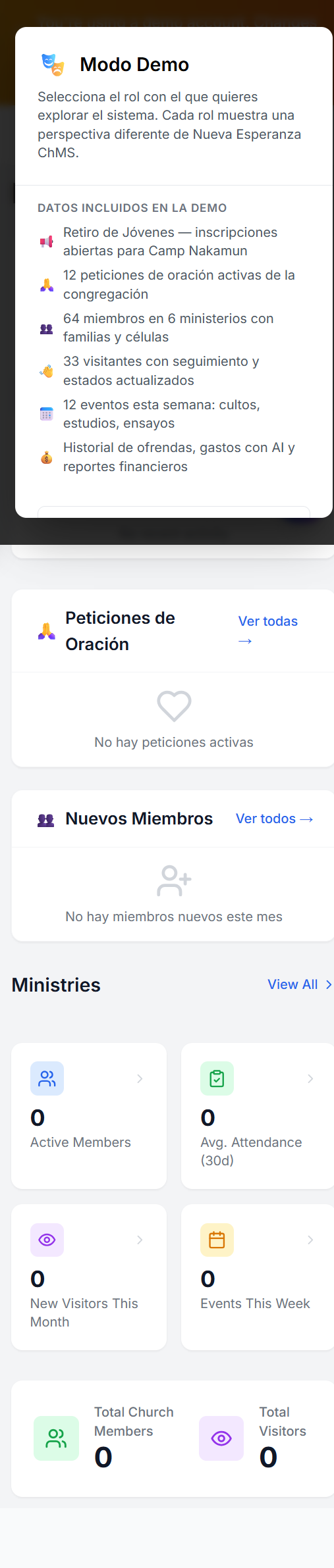
Central church dashboard screenshot
Screenshot B: Central Oversight Dashboard Master dashboard where central leadership monitors activity.
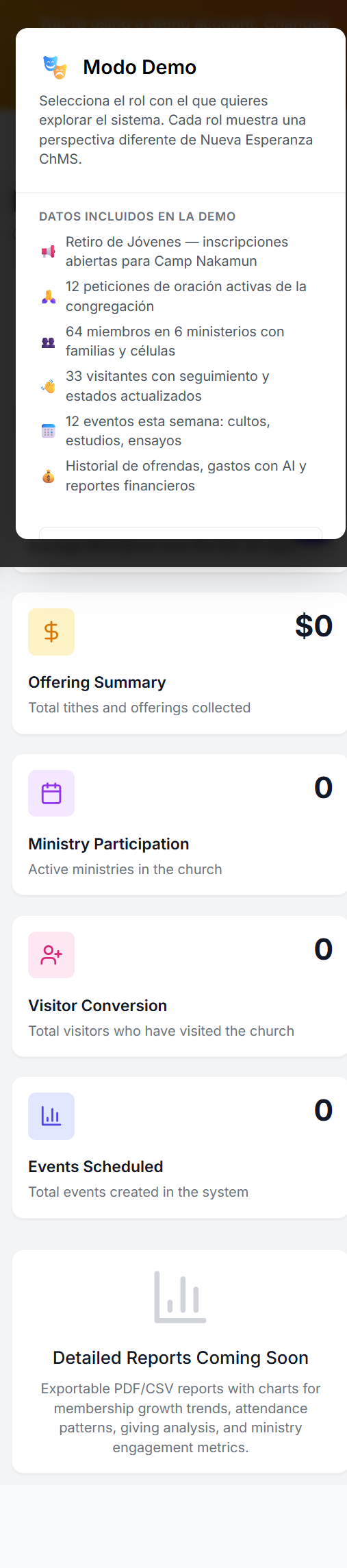
Central church reports screenshot
Screenshot C: Reports and Financial Visibility Live view of reporting widgets tied to offerings and church-wide financial oversight.

Automatic Financial Reporting Logic

Affiliate churches only complete their local donation, tithe, and offering fields. After that, visibility and roll-up awareness at central headquarters is automatic.

Affiliate enters donation/tithe/offering
Data saved in church records
Automatic aggregation to network scope
Central church sees full picture instantly